
Busabase × Roo Code
Knowledge Base for Roo Code
Roo Code combines global rules, workspace rules and mode-specific instructions. Project rules take precedence when they conflict. Checkpoints can help restore files during a task, but a reversible snapshot is not a shared team policy with a source and history.
BOUNDARY
Know which rule won before preserving an answer
Record the effective instruction source, workspace and mode. A shadow-Git checkpoint captures task files for recovery; it is not an authoritative source or a record of who changed what and why.
WORKFLOW
From agent output to shared knowledge
Roo Code combines global rules, workspace rules and mode-specific instructions. Project rules take precedence when they conflict. Checkpoints can help restore files during a task, but a reversible snapshot is not a shared team policy with a source and history.
- 01
Record the project rule and active mode - 02
Capture the task baseline and proposed edit - 03
Use checkpoints to compare or restore files - 04
Compare the final diff, then save the rule or answer as a Change Request
CHANGE REQUESTS
The change record
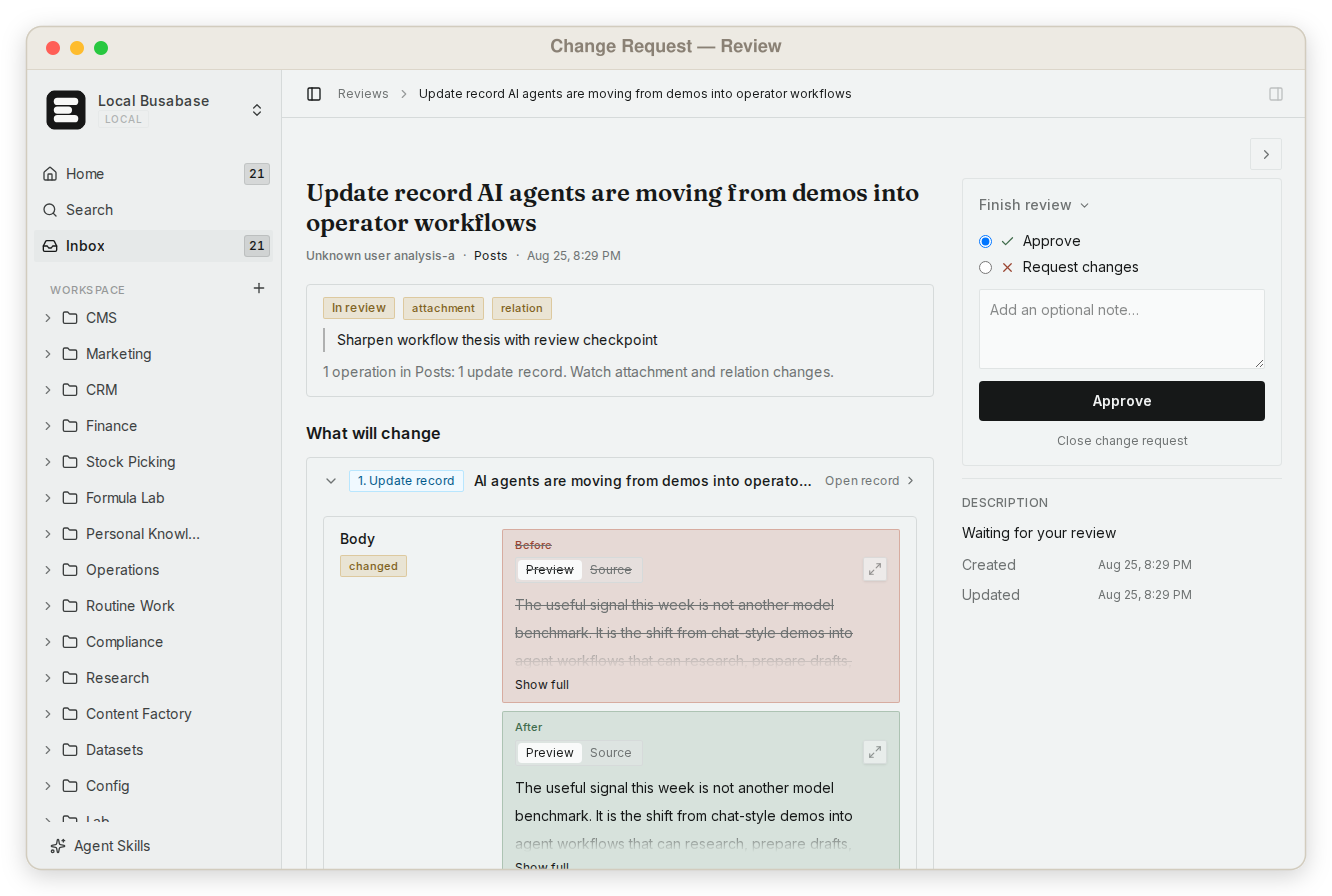
Store the winning rule, source version, task diff and validation result. Each write lands as a Change Request with its author, key and history, so you can review it when you choose and roll it back.
FAQ
Practical questions
Know which rule won before preserving an answer
Can workspace rules override global rules?
Yes. Roo Code says workspace rules take precedence on conflict.
Is a checkpoint a normal Git commit?
No. Roo Code stores checkpoints in a separate shadow repository.
Does restoring a checkpoint approve its content?
No. Restore is recovery. Saving the final state to Busabase is a separate Change Request you can review or roll back.
NEXT
Know which rule won before preserving an answer
Store the winning rule, source version, task diff and validation result. Each write lands as a Change Request with its author, key and history, so you can review it when you choose and roll it back.
Connect Agent