 Busabase × Nous Research Hermes Agent
Knowledge base for Hermes Agent
Hermes Agent remembers across sessions and writes its own Skills. That knowledge lives on one machine, in a few small files. Busabase gives it, and every other agent you run, a shared place for decisions, evidence and procedures, where every change has a source and a history.
Hermes already remembers. The gap is sharing it.
Hermes keeps two built-in memory files in ~/.hermes/memories/: MEMORY.md for its own notes (limit 2,200 characters) and USER.md for your profile (limit 1,375 characters). They are loaded into the system prompt at session start. That is a good scratchpad, and it is deliberately small. Skills live in ~/.hermes/skills/ on that machine.
One agent, one machine
Small by design
Self-written Skills need a trail
Where each kind of knowledge belongs
Keep Hermes' own features doing what they do well. Put what other people and agents need in Busabase.
| Layer | What it is in Hermes | What Busabase adds |
|---|---|---|
| Memory | MEMORY.md and USER.md, small notes injected at session start. | Longer facts as Base records with fields, a source and field-level history, searchable by every agent. |
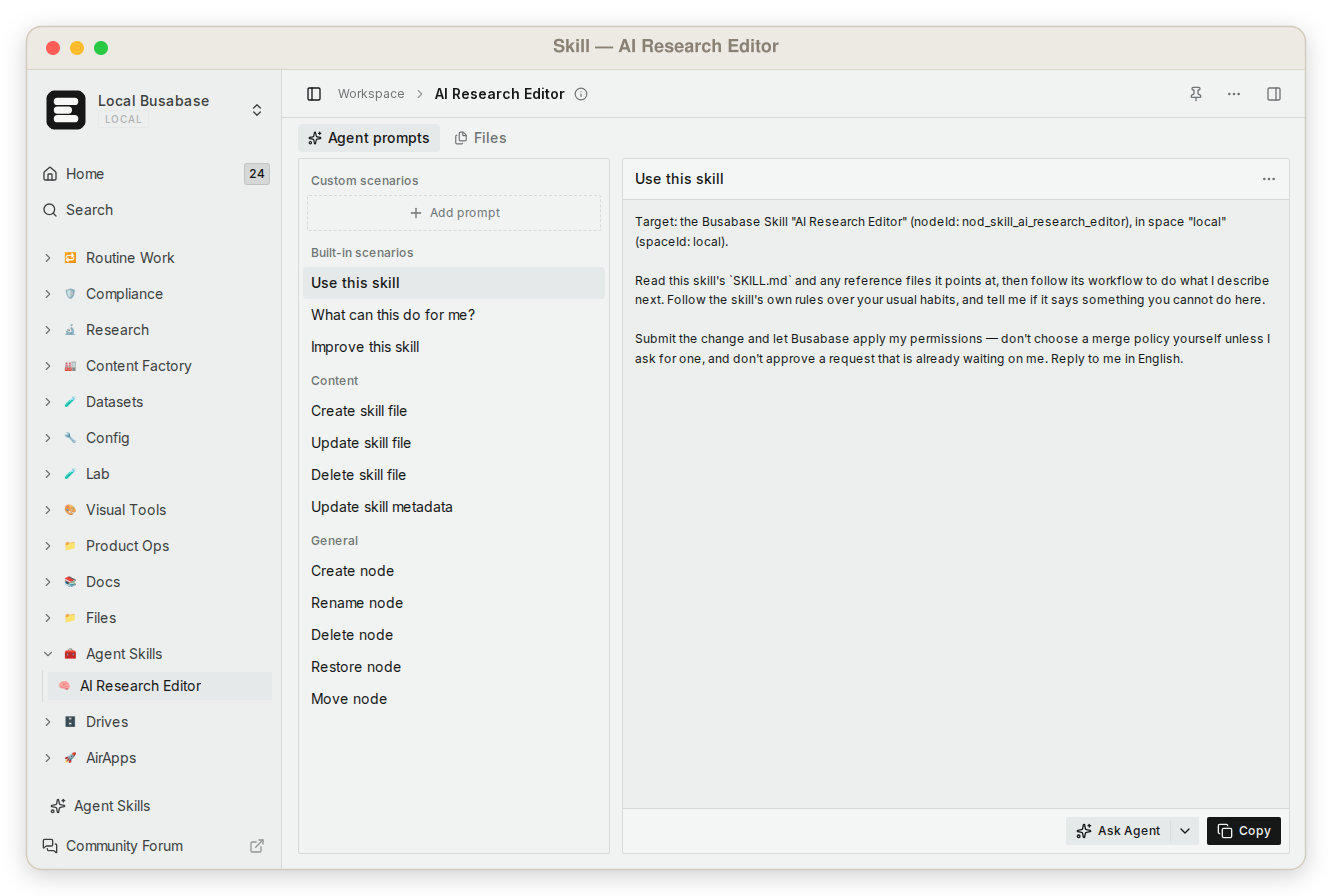
| Skills | Folders with a SKILL.md in ~/.hermes/skills/, created by you, installed from the Skills Hub, or written by the agent. | Team Skills uploaded once. Every agent reads the same version, and editing a Skill is a Change Request you can inspect or revert. |
| Curator | A background pass that archives unused agent-created Skills; it never auto-deletes. | A visible history on the shared copies, so a pruned or rewritten Skill can be compared and restored. |
| Docs and files | Whatever is in the project folder. | Docs, files and tables in one workspace tree, with roles and node permissions. |
Three ways to connect Hermes Agent
Pick one. All of them reach the same workspace.
Let Hermes set it up
MCP server
CLI and API
Connect Busabase over MCP
- Install Hermes Agent if you have not: curl -fsSL https://hermes-agent.nousresearch.com/install.sh | bash
- Add the Busabase server to the mcp_servers section of ~/.hermes/config.yaml (below).
- Run
hermes mcp login busabase, choose the Busabase account, permission level and expiry in the browser, thenhermes mcp test busabase. - In a chat, run
/reload-mcpif the session was already open, and ask Hermes to read your workspace.
# ~/.hermes/config.yaml
mcp_servers:
  busabase:
    url: "https://busabase.com/api/mcp"
Busabase tools then appear in Hermes as mcp_busabase_*. The exact OAuth behaviour is described on the Hermes connect page and in the MCP guide.
Every write is a Change Request, and review is yours to choose
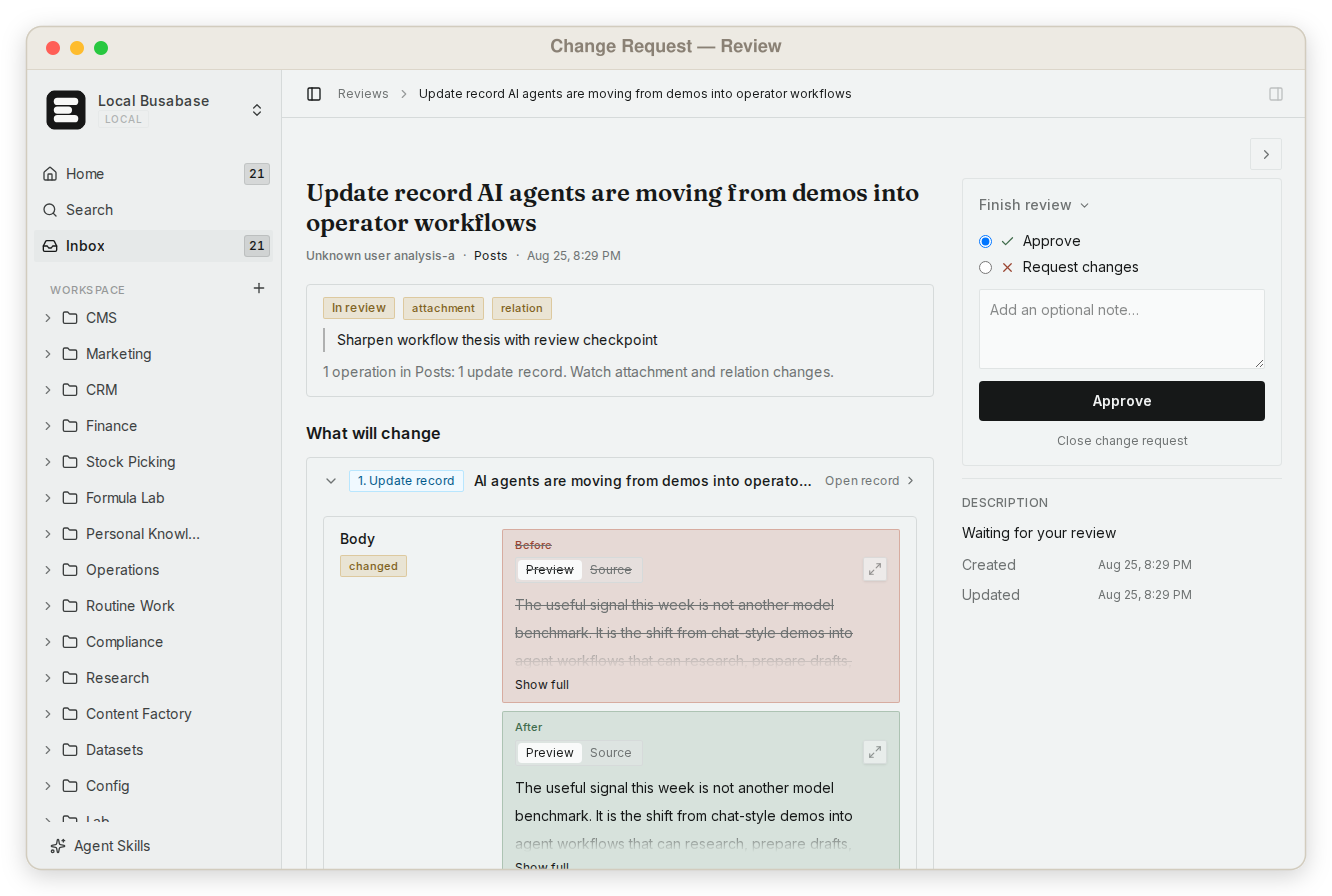
When Hermes writes to Busabase, the change is a Change Request: a message, a field-level before and after, the author, the key it came through, and a history you can roll back. Merging never overwrites.
With a write key the change merges at once and stays reversible. Give a specific agent a proposal-only key and its changes wait in the Inbox for a person. Hermes has the same idea on its own side: set skills.write_approval to true and agent-written Skill changes are staged under /skills pending.
Find it again, from any agent
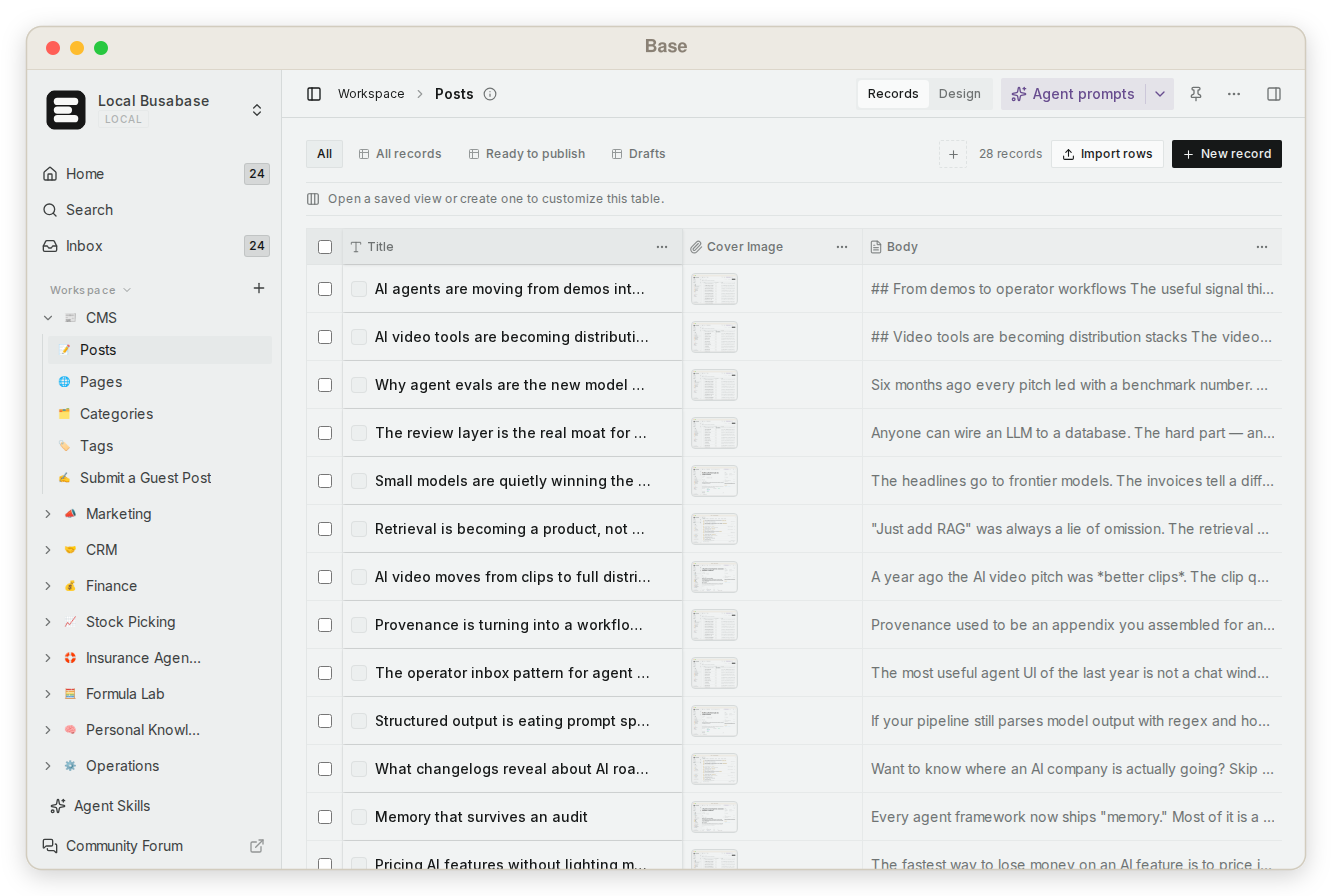
One grep searches files, Doc bodies, Base records and agent prompts and returns the matching line with context. Hermes, Claude Code or a teammate in the browser reads the same results. Tables open as table, gallery, kanban, calendar or Gantt views.
Questions about Hermes Agent and Busabase
Does Busabase replace Hermes' MEMORY.md?
Can Hermes edit shared Skills?
What does the Curator touch?
Is review required?
Do I need MCP?
Give Hermes a memory your team can share
Connect it, ask it to read a Skill, and look at the first Change Request it makes.
Read more: Hermes Agent connection guide · Change Requests · Search with grep · MCP and OAuth · Skills
Hermes sources: Hermes Agent docs, MCP, Memory, Skills, Curator