 Busabase × Amazon Q Developer
Knowledge base for Amazon Q Developer
Amazon Q can bring project rules, repository context, and MCP tools into an IDE or CLI session. Busabase records the resulting engineering decision with an owner, evidence, and a change history, so another team can see where current truth came from, and you can require review whenever you choose.
Four context layers
Keep instructions, source code, live systems, and accepted decisions in their own homes.
Amazon Q can use explicitly selected files and folders, workspace context, Project Rules, repository Customizations, and MCP resources. These inputs help the Agent reason. They do not all have the same authority or maintenance cycle.
| Layer | Job | Owner |
|---|---|---|
| Project Rules | Persistent instructions used automatically in project chat | Repository or project configuration |
| Customizations | Indexed repository knowledge used as automatic context | Amazon Q customization |
| MCP resources and tools | Current data and executable actions from external services | Connected MCP server |
| Accepted engineering decisions | Sourced, versioned state that teams and later Agents may rely on | Busabase |
Two execution surfaces
The CLI and IDE can reach the same system through different Agent configurations.
AWS documents MCP for both Amazon Q Developer CLI and supported IDEs. The CLI uses custom agent configuration under ~/.aws/amazonq/cli-agents; the IDE default agent configuration is stored under ~/.aws/amazonq/agents/default.json. Record the surface and agent profile so an audit can reproduce the run.
Local or remote MCP
Use /tools to inspect progressively loaded servers and tools.
IDE agent MCP configuration
Project context, open files, Project Rules, and Customizations may also shape the request.
Remote shared workspace
The authenticated identity and Base policy determine readable and proposal-level actions.
From context to accepted state
Carry the evidence chain across the tool boundary.
A useful workflow does not end when Q reports success. It records which context was used, which action ran, what evidence came back, and which agent and key changed the resulting state.
Engineering decision contract
Store the minimum state required to reproduce and challenge the decision.
The code remains in Git and raw execution stays in the Agent session. The record connects those artifacts to a stable decision and its current owner.
| Field | Purpose |
|---|---|
| decision_key | Stable identity across IDE, CLI, and repositories |
| question | Engineering or operational question the run addressed |
| context_refs | Rules, repository revision, files, and MCP records used |
| action_ref | Tool call, command, job, or external request |
| evidence | Tests, logs, API response, diff, and relevant source URLs |
| proposed_state | Amazon Q's concise interpretation |
| decision | Accepted, conditional, rejected, or superseded |
| owner | Person accountable for acceptance and maintenance |
| effective_at | When dependent work may use the decision |
Two permission decisions
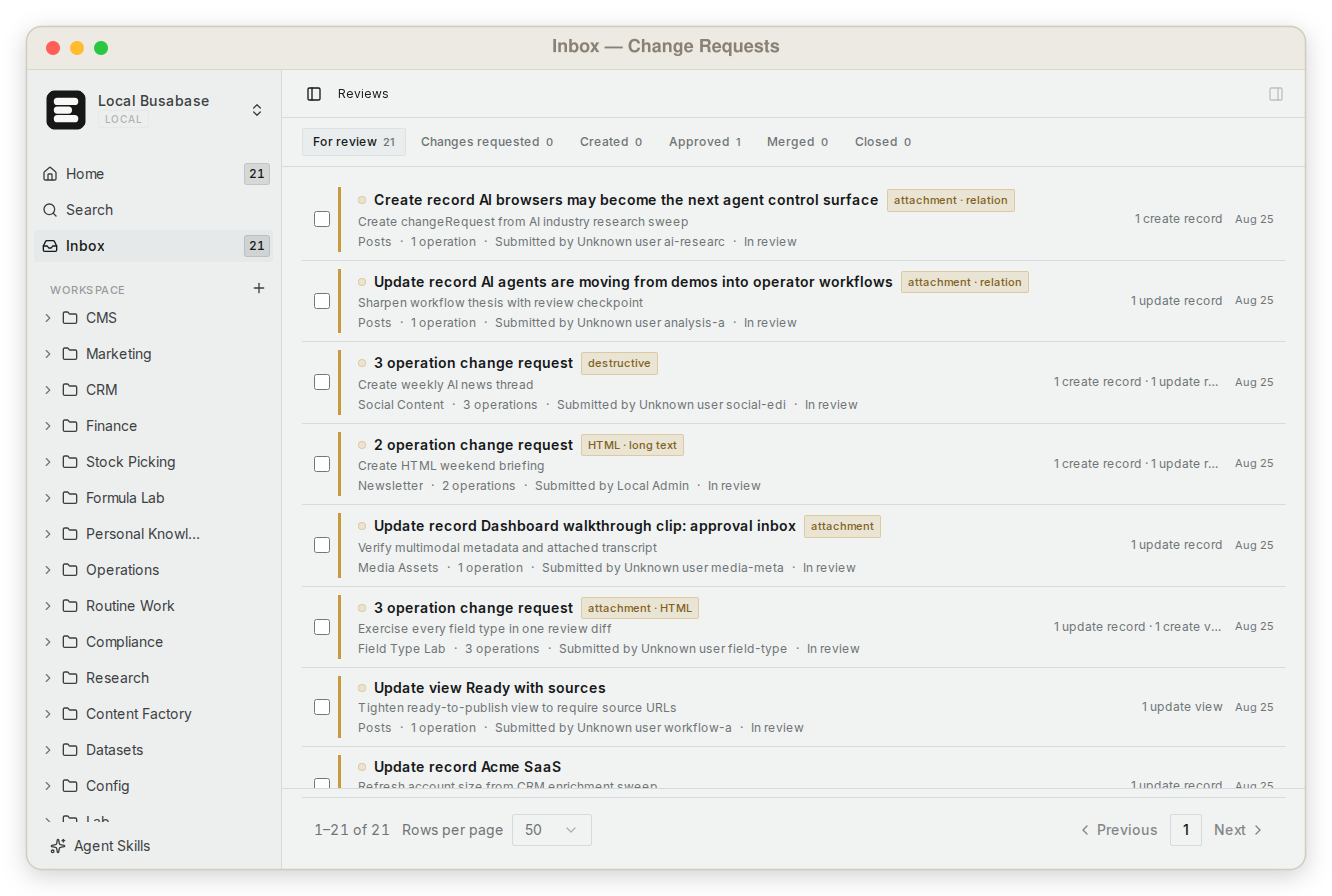
Tool permission controls execution. Change Requests track every record change.
Amazon Q MCP tools can be auto-approved, require approval, or be marked dangerous. That policy decides whether a tool may run. Busabase separately records every field change as a Change Request with its diff, author, and key, and can hold an agent's changes for review when you give it a proposal-only key.
May this tool execute?
Protects the current command or external action.
What changed in the shared record, and who changed it?
Protects the shared record and every workflow that reads it.
Governance checklist
Use the narrowest path from Agent context to shared state.
A globally available MCP server can expose more tools than one task needs. Keep the connection small, inspect loaded tools, and avoid treating an open endpoint as trusted merely because Q can reach it.
Connection boundary
The connection page owns setup; this page owns the information contract.
Follow the maintained Connect Agent page for the Busabase endpoint, authentication, CLI/IDE configuration, and verification. Then test one read and one write in the exact Amazon Q surface your team will use, and check the Change Request it creates.
Practical questions
Amazon Q Developer knowledge base FAQ
Does Busabase replace Project Rules?
No. Project Rules tell Amazon Q how to behave in a project. Busabase stores sourced, versioned facts and decisions that can be queried across Agents, teams, and workflows.
Does Busabase replace Customizations?
No. A Customization gives Amazon Q indexed repository context. Busabase should link to the relevant revision and store the accepted business or operational meaning, not duplicate the code index.
Can the CLI and IDE share one decision record?
Yes. Include surface, agent profile, repository revision, and evidence refs so later reviewers can distinguish how each proposal was produced.
Is an auto-approved MCP tool result automatically trusted?
No. Auto-approved only describes whether the tool can execute without another prompt. The result can still be incomplete, stale, or outside the record owner's authority.
Should Amazon Q write directly to shared records?
It depends on the key. With write access its changes merge immediately, each still a Change Request with a diff, author, and rollback. For knowledge you want checked first, give it a proposal-only key so changes wait in the Inbox until the responsible person reviews them.
Start with one engineering decision
Give Amazon Q a shared, versioned destination for the context it assembles.
Choose one recurring question that crosses repository and operational boundaries. Connect the exact IDE or CLI surface, define the evidence contract, and inspect the first Change Request before reuse.