Track renewal notice deadlines before contracts expire with Busa CLM
Separate notice deadlines, renewal dates and accountable owners before the next decision is due.

A contract may have months left to run while its exit decision is already due. If termination or non-renewal requires advance notice, waiting until the end date can remove options before anyone opens the contract register.
Busa CLM organizes a contract inventory, obligations and reminder records around that operating problem. The goal is to turn contract dates into accountable next actions with inspectable evidence. It does not replace detailed legal review or send notices to counterparties.
Separate four dates before planning the next action
The end date describes the current term. The renewal date identifies the next renewal point. The notice deadline controls when an agreed notification action must happen. An obligation due date belongs to a particular deliverable or milestone. Related dates should not collapse into one generic expiry field.
Verify them against the signed version, including applicable conditions and notification requirements. Business-day rules, time zones and requirements for receipt rather than dispatch need responsible interpretation. Do not infer dates from filenames or treat an agent’s extraction as legal advice.
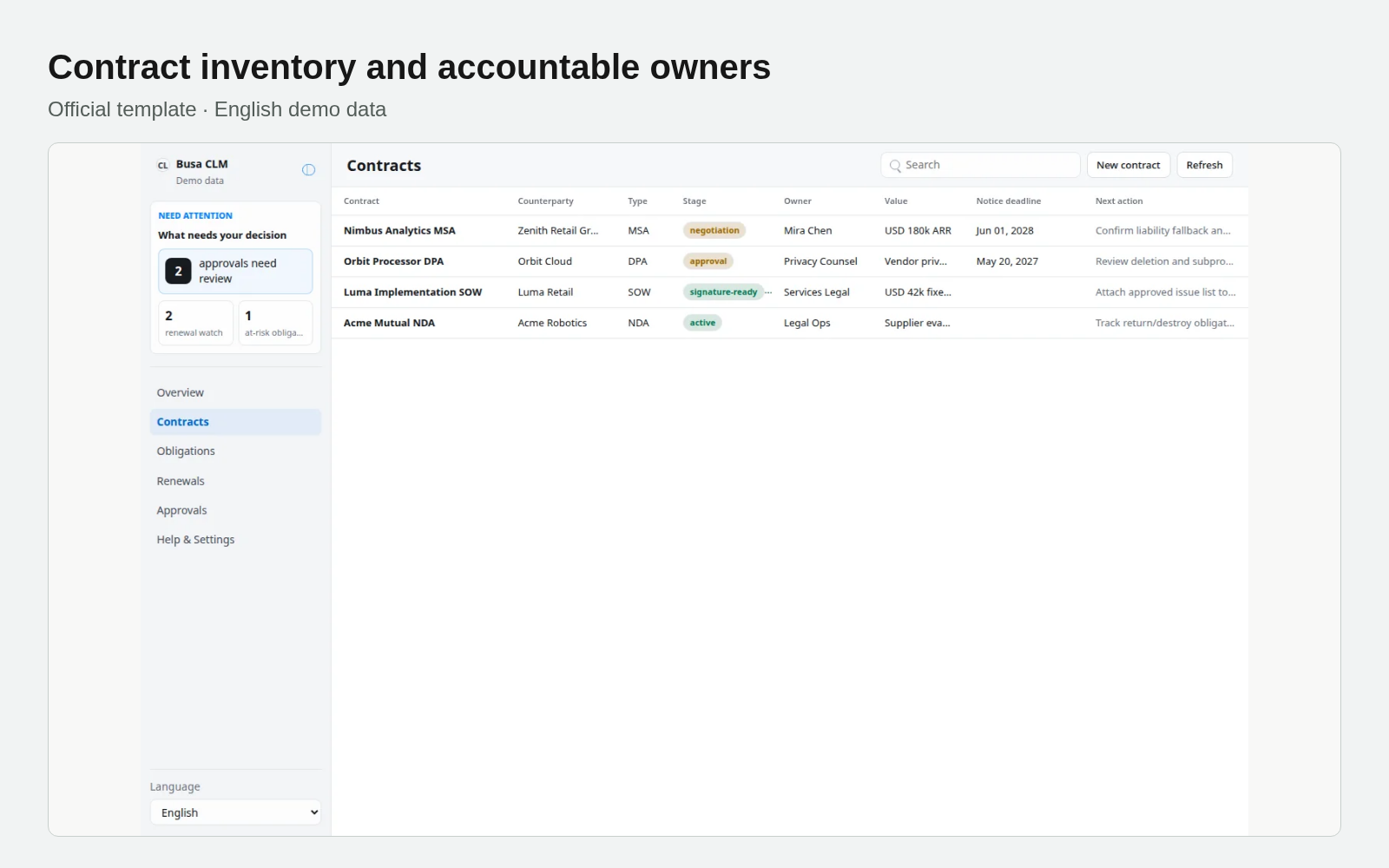
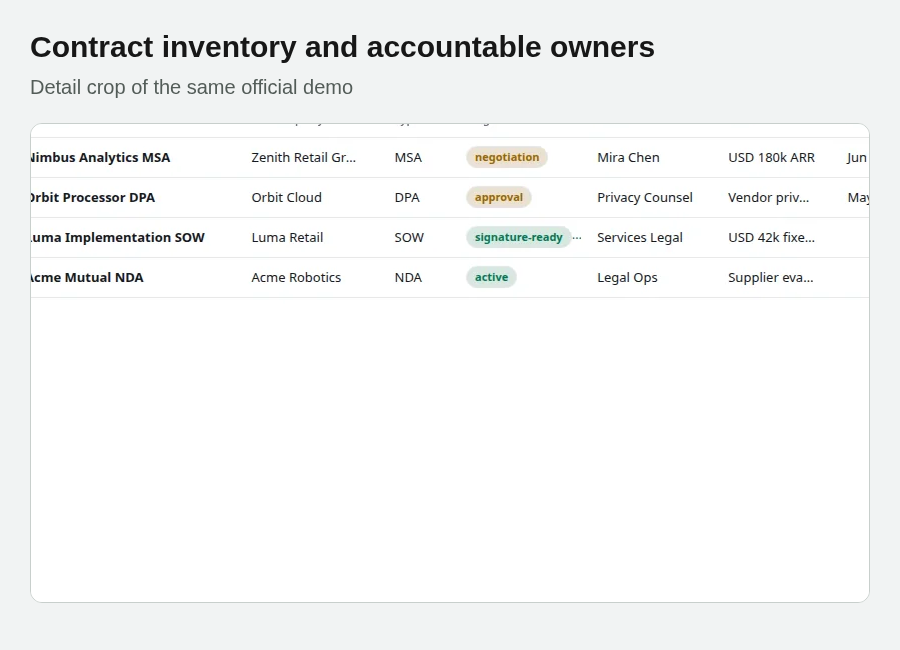
Official template · English demo data
Step 1: Install the template and give each contract a home
Sign in through the template introduction page and install into the intended workspace. Contracts stores counterparty, type, lifecycle stage, owner, business owner, value, term dates, renewal date, notice deadline, risk and next action. Operators can create and edit contracts through the browser.
Obligations links each duty to its contract with owner, due date, status and evidence note. Approvals holds contract-linked reminder or approval handoffs and decisions. If another system already owns the contract record, define that authority and the relationship before creating a competing register.
Contract text, pricing and counterparty information need appropriate storage and access. Installing the template does not connect e-signature, email or an external CLM system.
Step 2: Ask the agent for an evidence-backed queue
An adaptable instruction is: “Read these signed contracts and the existing register. List notice deadlines, renewals and obligation dates within the next 60 days separately. Include owner, source clause and next action. Flag missing dates or notification methods for confirmation; do not infer renewal authority or contact counterparties.”
Sixty days is the requested query window, not evidence of an already running reminder service. Review the source mapping first. An operator or external agent workflow creates obligations and approval reminders in Busabase. The AirApp decides on those records; it does not create them through its interface. Browser creation and editing apply to contracts themselves.
A date in a register is not yet an actionable assignment. Verify that the responsible person can access the record and understands the deadline and required outcome.
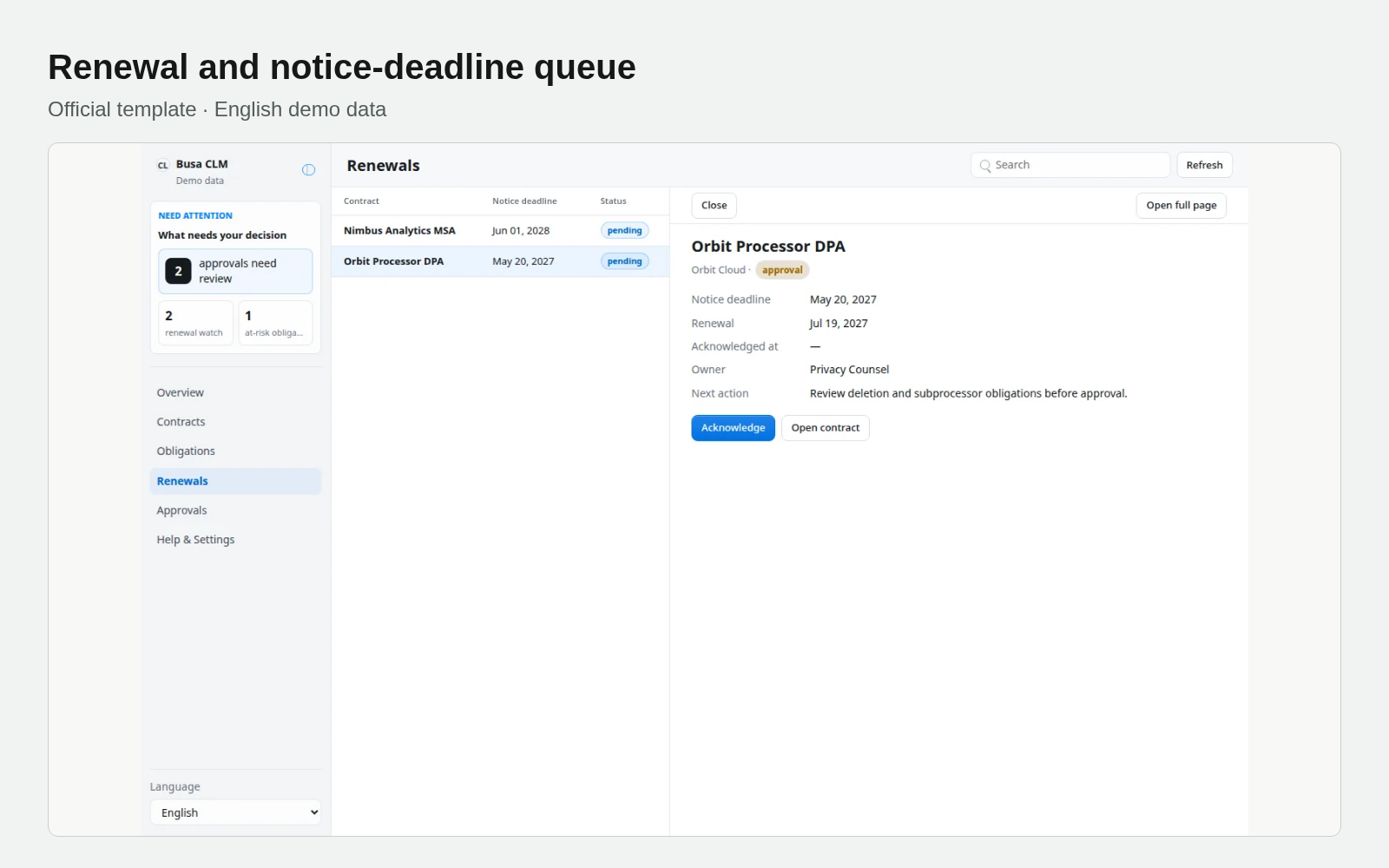
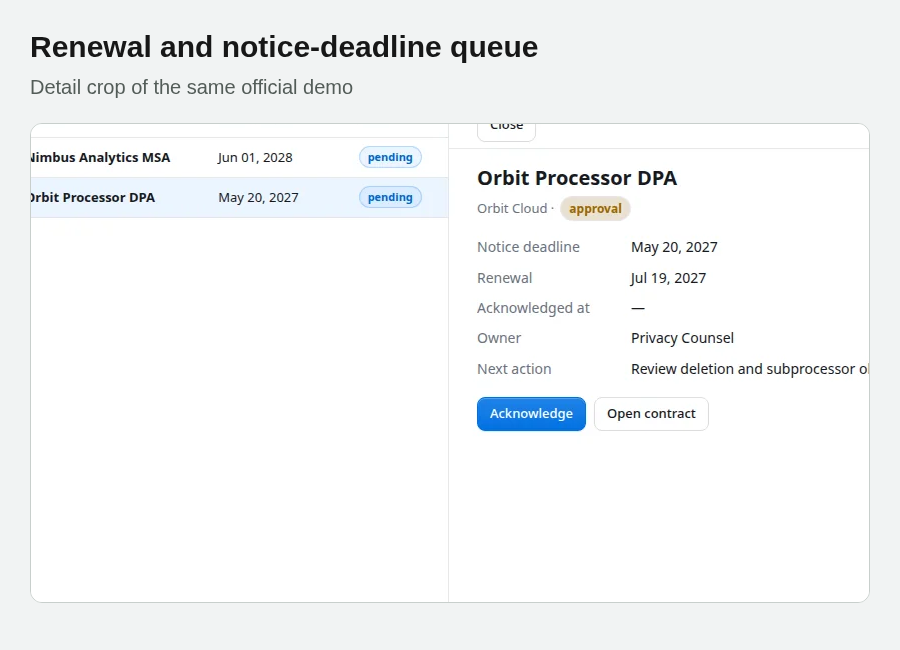
Official template · English demo data
Step 3: Work the earliest consequential deadline
The Renewals view brings renewal and notice deadlines together. Open the contract, confirm the owner and next action, and prioritize the earliest consequential date. Record unresolved requirements rather than using a reassuring status as a substitute for a decision.
Acknowledging a renewal notice stores acknowledgment on the contract. It does not prove notification was delivered to the other party. Actual dispatch or receipt must be handled through the authorized channel, with real evidence written back. Likewise, mark an obligation complete only when the deliverable or evidence supports it; reopen unresolved work as needed.
Step 4: State what each approval actually covers
The Approvals view records approve, request changes or block decisions and an optional note on that business row. It is a direct-manipulation control panel, not an app-enforced review-before-merge queue. Do not promise a second person must merge every browser edit.
Approval of a reminder does not establish contract signature, legal clearance or acceptance of external terms. State exactly what the decision covers and retain the authorized person’s actual determination where needed. The app sends no email, starts no e-signature and changes no remote CLM.
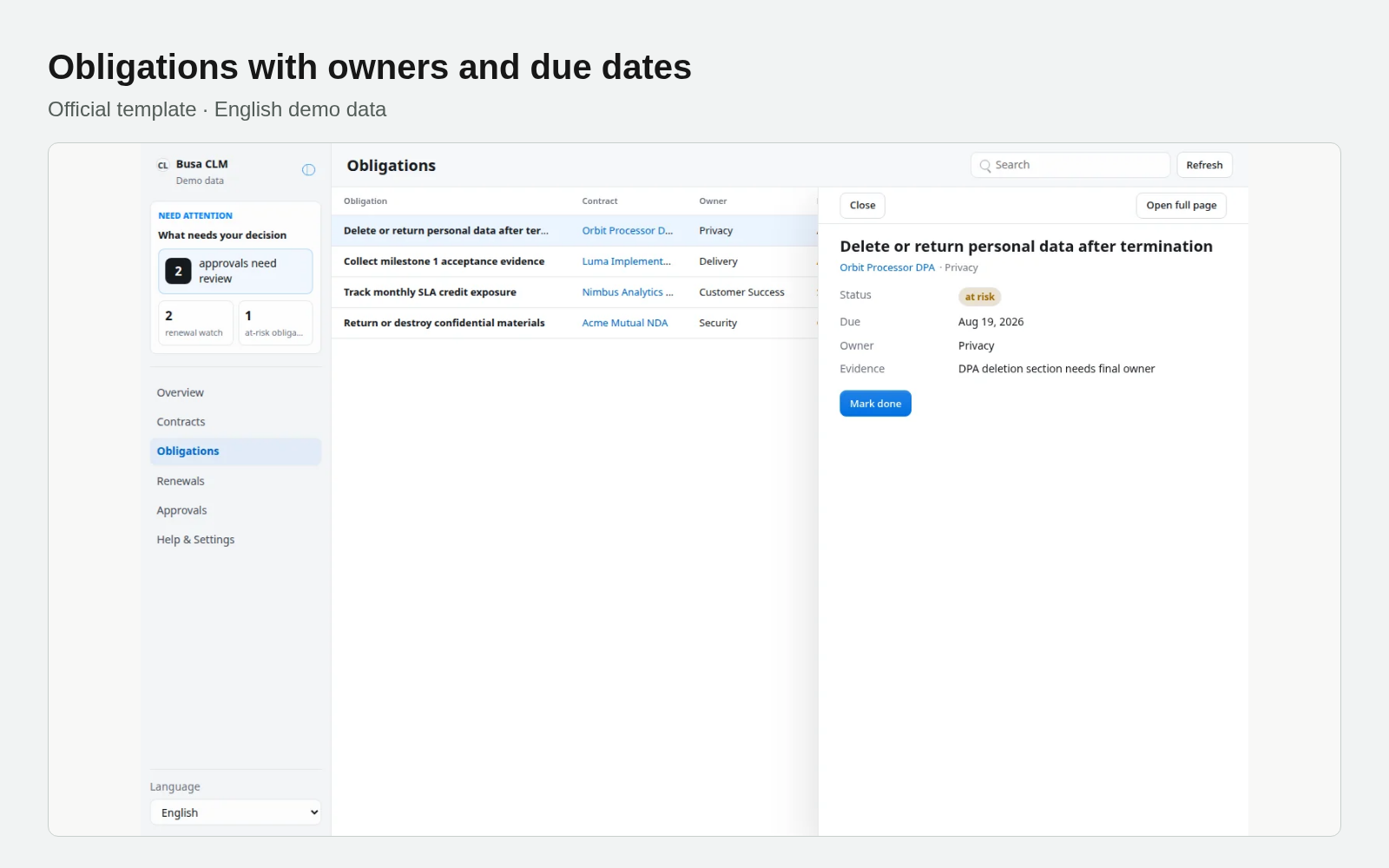
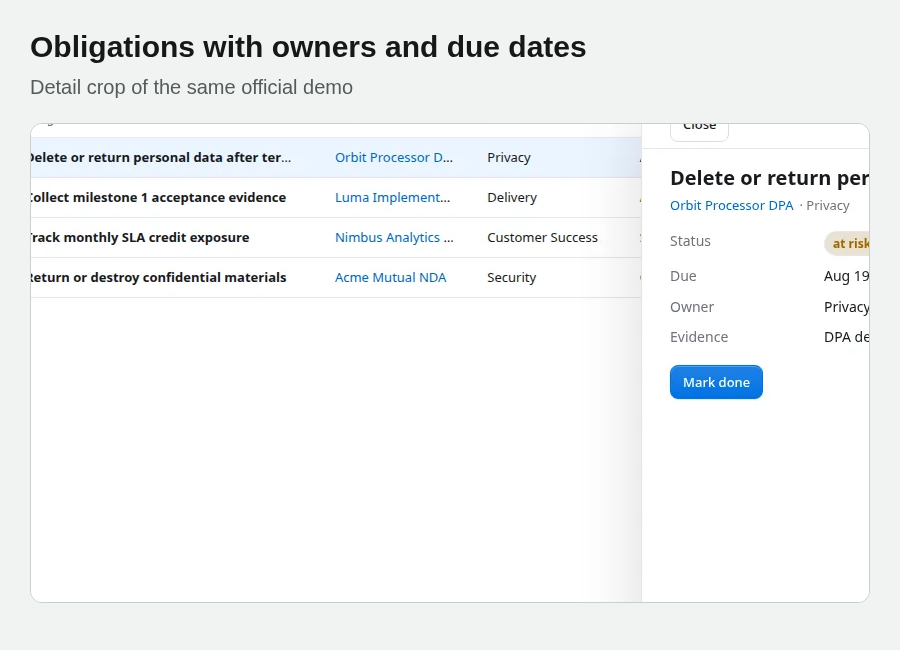
Official template · English demo data
Step 5: Verify dates, decisions and delivery separately
Trace a notice deadline back to the original contract. Confirm owner, next action and evidence. Check that every obligation and reminder points to the right contract. Keep acknowledgment, internal approval and actual delivery proof separate.
Overview windows such as renewal or notice within 90 days and obligations within 30 days help find work; they are not a complete long-term planning policy. Decide who reviews the queue, adds new contracts and rechecks dates when sources change before scheduling recurring work.
The official screenshots use English demo records, not evidence of executed notices. See the template source for current behavior. Begin with the next consequential notice deadlines and expand once the ownership and review routine is clear.
Start with the next notice deadlines
Open the Busa CLM template page, sign in and install it in the intended workspace. Start with contracts needing a near-term decision, verify notice deadlines against their clauses and assign an owner and next action. Build the linked obligations and reminders, keeping acknowledgment separate from evidence of notification.