Delivering an agent workspace to an air-gapped network: what to accept beyond installation
Verify client access, dependencies, and recovery before the receiving team takes over.

The containers start and the login page opens. That is a useful milestone. The receiving team still needs to know whether attachments work from employee computers, whether records survive a restart, and which agent capabilities depend on services outside the network.
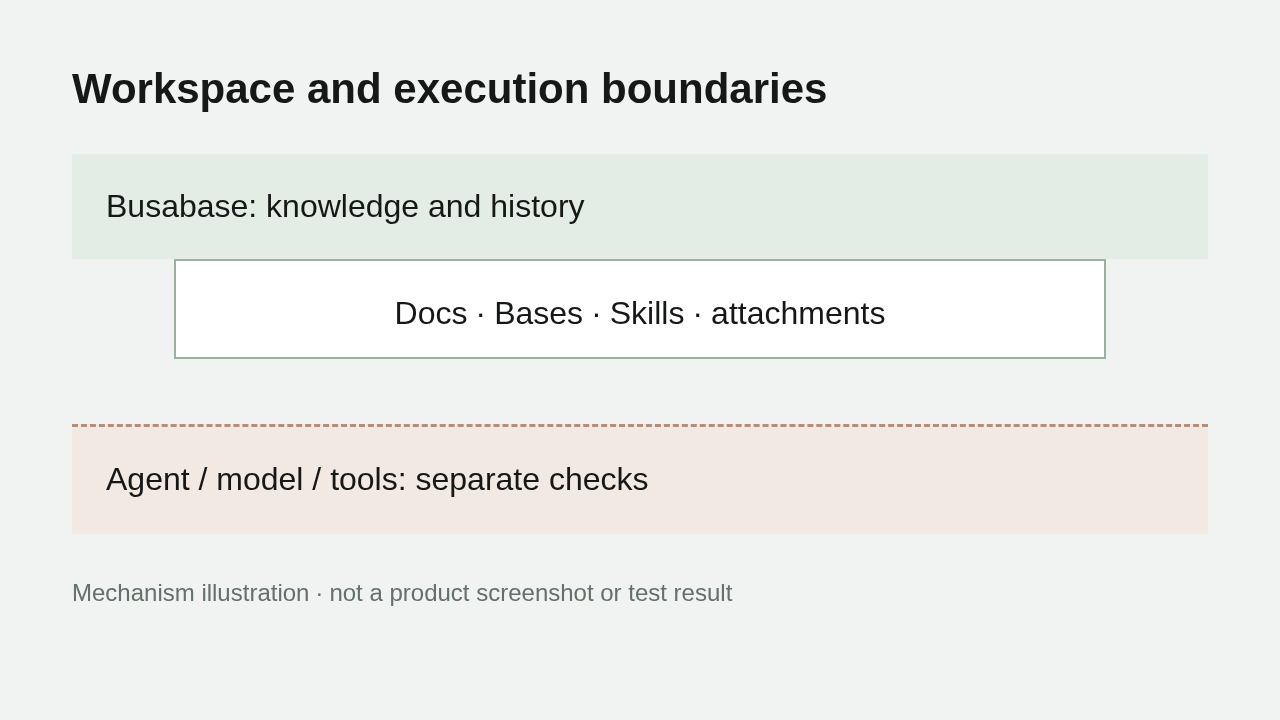
An air-gapped delivery has several boundaries: the workspace, database, object storage, licensing, and the agents, models and tools connected to it. Acceptance should test each boundary separately, with evidence that the receiving team can reproduce.
Define what the delivery includes
A self-hosted workspace determines where shared records, documents, attachments and review activity run. It does not determine where every connected model or tool runs.
Before transferring software, list the components included in the delivery and the capabilities users expect inside the isolated environment. For each external dependency, choose an internal replacement, an explicitly authorized network path, or a disabled capability. Assign an owner to unresolved dependencies.
The architecture argument in the last mile of sovereign AI becomes a set of delivery responsibilities here: who supplies the model, who operates the database, who verifies attachment access from browsers, and who restores the system after a failure. Workspace installation is one part of that handoff.
Choose the deployment shape before packing the images
The current offline installation guide describes preparing images in a connected environment, exporting image archives and SHA-256 checksum files, transferring them, checking integrity, and loading the images on the destination host.
The all-in-one image includes Postgres and SeaweedFS. A Compose deployment needs its dependency images as well, or an internal registry that can supply them. An application image alone may therefore be an incomplete delivery package.
Record the approved image version or digest, checksum files, required dependency images, deployment configuration and persistence locations. Take actual commands and supported versions from the current documentation and your approved release. A changing latest tag is a poor long-term acceptance identifier.
Keep transfer integrity and runtime acceptance as separate evidence. A matching checksum shows that the transferred file matches the source file. A startup result shows that a particular deployment configuration runs.
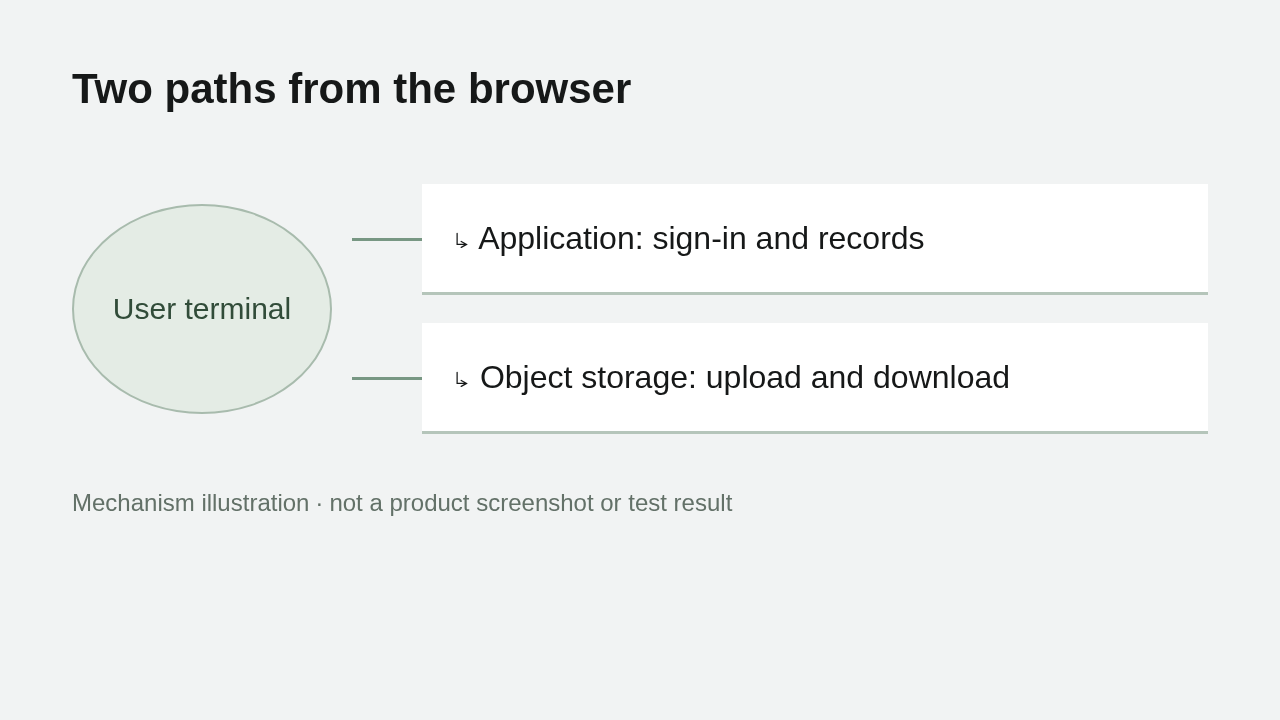
Test the browser-to-storage path independently
The browser's application requests and attachment requests can follow different paths. The application server reaching object storage does not establish that an employee's browser can reach the object URLs returned to it.
From a workstation on the intended network, sign in and upload an authorized test attachment. Download it again and verify that it is readable. Check the hostname, protocol, port and certificate used by the actual browser requests. A test performed only on the server can miss client-side reachability problems.
The configuration reference requires APP_URL to match the address used in the browser, including protocol, hostname and port. A reverse proxy must forward the original host and protocol correctly. Application address and Origin mismatches can affect login; object-storage access addresses need their own deployment-specific check.
Retain three distinct outcomes: login works, attachment upload works, and attachment download returns readable content. A homepage screenshot cannot establish all three.
Separate offline licensing from offline execution
The installation documentation describes local license validation using an embedded public key, without an online activation request. Check the actual license's scope and validity against the license documentation.
That answers a licensing question about the workspace. It does not answer whether an agent's model API, mail service, identity provider or external tool needs a network connection. Inventory those destinations and compare them with the permitted network boundary.
Document capabilities that are intentionally unavailable when isolated. The receiving team needs to understand the supported operating envelope before relying on the system.
Restart, then verify recovery
A successful first write establishes that the running instance can write. Acceptance also needs to check that records, attachments, configuration and required credentials remain usable after a restart.
For all-in-one deployments, the configuration documentation identifies /data/.credentials as the location of generated credentials and says to back it up. The backup scope should account for the database, object storage and configuration required by the chosen deployment.
Use the backup and restore guide, together with your operating procedures, to plan a restore in an authorized separate environment. Verify that the intended records and attachments are readable after restoration. A backup file's existence and a verified restore are different results.
Verify a complete knowledge handoff inside Busabase
Save team guidance in a Doc, maintain business entries in a Base, store the repeatable method in a Skill, and upload a sanitized attachment. This is a suggested minimal acceptance set: each item exercises a different part of the workspace—documents, structured records, reusable procedures, and object storage. Use material appropriate to the receiving team.
Have an authorized agent read the material and propose a record change through a ChangeRequest. After an editor inspects the difference and accepts it, read the canonical record to confirm that the change reached the current version. From an actual receiving-team terminal, reopen the Doc, read the record and Skill, and download the attachment; repeat the checks after a restart. This verifies that the materials and change history survive in the delivered Busabase instance. Offline execution of the agent, model, and connected tools still requires their own deployment checks.
Give both teams something they can sign off
Use the following as proposed acceptance checks; enter results only after carrying them out.
| Check | Question | Evidence to retain |
|---|---|---|
| Image transfer | Are the identified application and dependency images intact? | Digests, checksum results and package inventory |
| Startup | Does the approved configuration run at the internal address? | Version, configuration record and startup result |
| Record operations | Can intended users read and write authorized records? | Operation outcomes and exceptions |
| Review | Do proposals and canonical changes follow the configured permissions? | ChangeRequests and canonical readback |
| Attachments | Can actual client devices upload and retrieve files? | Request destinations and file verification |
| Restart | Do declared capabilities and saved data remain available? | Post-restart checks |
| Restore | Can the specified scope be restored separately? | Procedure, scope and verification results |
Give every failed item an owner and a retest condition. Sanitize test material, and keep credentials, license codes and storage keys out of public reports.
Start with your deployment shape, list the components and network paths, and turn each delivery claim into a repeatable check. The handoff should make clear what was delivered, what was verified, and what the receiving team must operate.