An exported knowledge base is not necessarily a recoverable workspace
Choose between reusable content and a full-space archive before you need history, links or files back.

Giving another team a reusable starting point differs from restoring the original workspace. The first emphasizes readable current content. The second can depend on original IDs, relations, attachments and the history behind a decision.
An export can look complete while serving only the first purpose. Choose package or .bbdump by what must survive recovery, distinguishing newly created resources from restoration with original identity.
Choose the destination outcome first
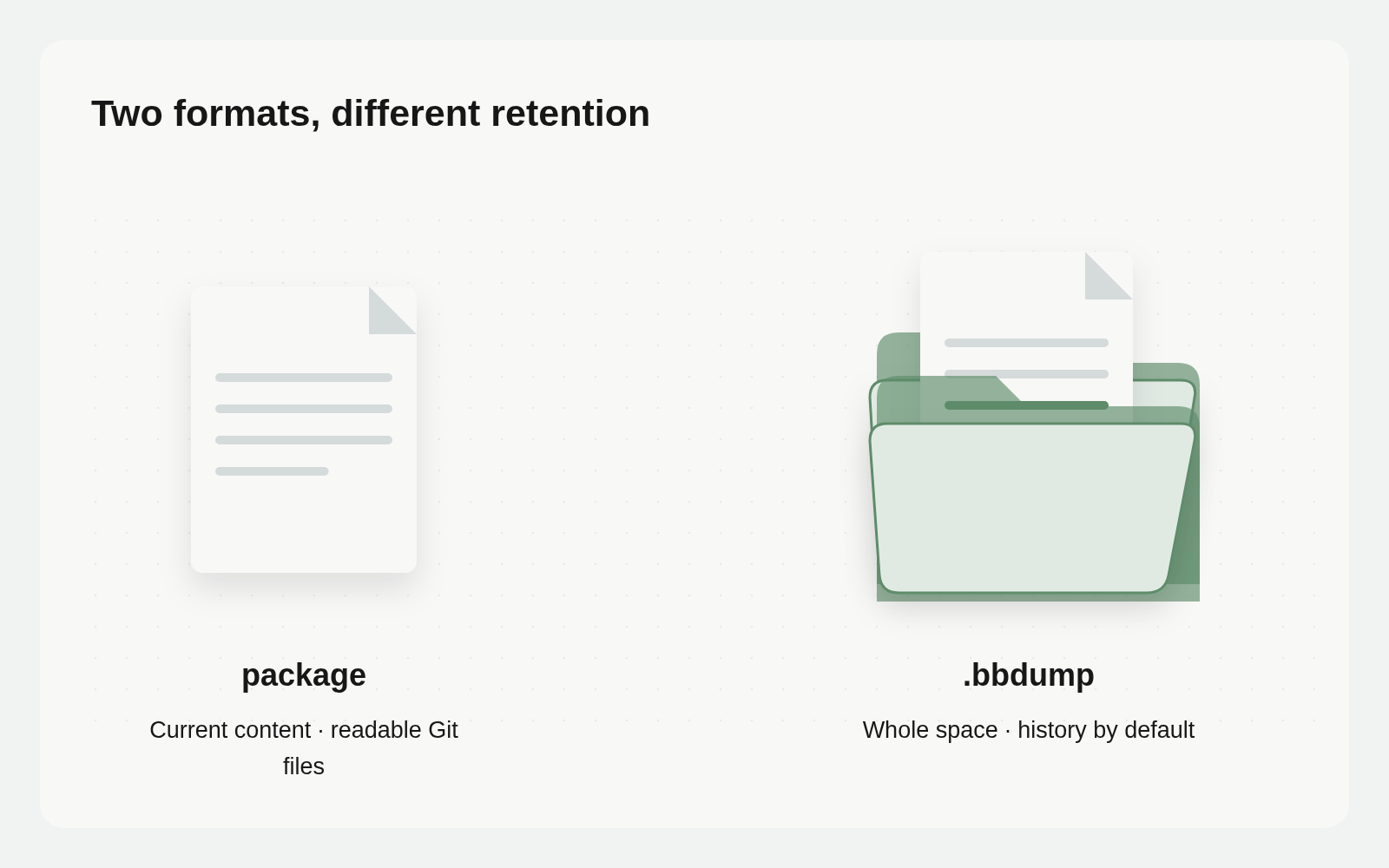
Busabase export / install turns a node subtree into a readable Git directory. Docs become Markdown; Bases have definitions; records are stored as line-delimited JSON. It suits templates, shared Skills and current content reviewed through Git diffs. Installation assigns fresh IDs.
backup / restore works at whole-space scope. A .bbdump archive carries data and files, with commit, ChangeRequest, comment, review and audit history included by default. Restoration preserves original IDs. Its job is disaster recovery or moving a whole space.
| Intended outcome | Suitable route | Constraint to retain |
|---|---|---|
| Give a team a starting knowledge base | export / install | Current content with fresh IDs |
| Read and compare content in Git | export / install | No history, permissions or attachment values |
| Recover the original space and its past | backup / restore | Empty destination and original-ID conditions |
More comprehensive is not automatically more appropriate. A full-space archive can include far more business data than a template recipient needs. A package cannot supply history it was never designed to carry.
Readable files are not a historical archive
Packages retain current content. They have no slot for permissions, change history, Vault secrets or webhook rules, and omit attachment field values. Attachment field definitions can still appear in the exported Base. Seeing that field after installation does not demonstrate that the original file came with it.
Keep export warnings with the handoff. Identify omitted attachment values and the separate delivery process, if files are required. An attractive directory tree is not evidence that every needed item is present.
For a new workspace starting from the same method and initial content, a package is useful. Verify the newly installed content and relations; do not expect old review comments or historical record IDs.
Check the restore destination before creating a plan
The CLI’s backup command creates the archive. History is included by default; --no-history excludes commits, ChangeRequests, operations, comments, reviews and audit events. Record that choice alongside the backup location so the next operator knows what was retained.
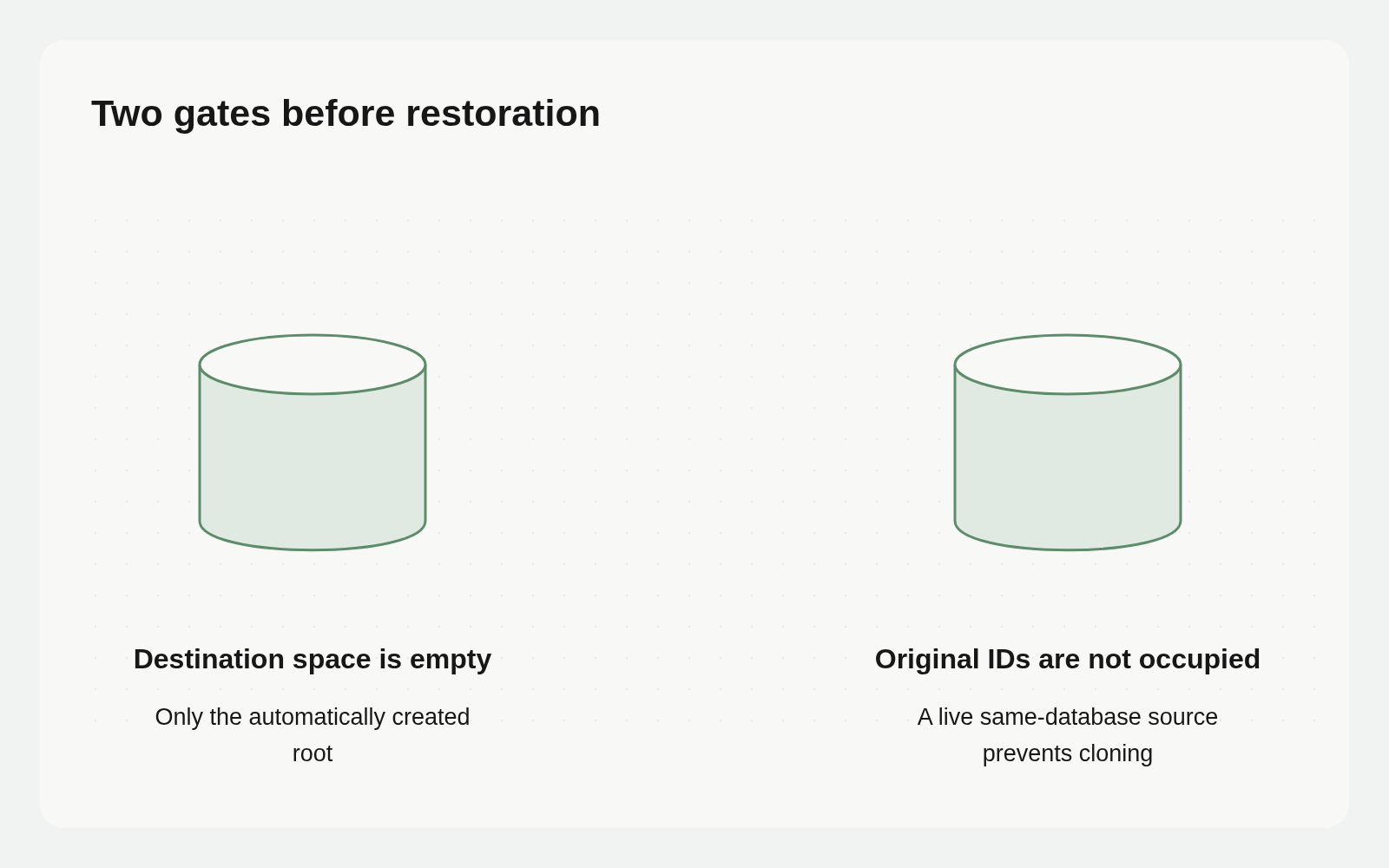
Restoration requires a genuinely empty destination space containing only its automatically created root. Original IDs are unique across the database, not just within a space. An empty space in the same database is therefore insufficient when the live source still holds those IDs. This is not a cloning workflow for a source that remains present in that database.
An authorized rehearsal needs a checked destination instance, database and space. Do not test restoration against normal business content or delete the source to work around an ID collision. Treat cross-instance migration and same-database copying as different plans.
Hand off files, history and credentials separately
The backup documentation includes assets and their uploaded bytes. After restoration, an integrity pass reports orphaned references, missing relation endpoints and files whose bytes did not reach storage as warnings. Vault secrets and webhook signing keys are excluded and require a separate controlled configuration process.
Excluding those credentials does not make a business archive suitable for public sharing. Records, documents, attachments and history may themselves contain sensitive information. Apply access controls appropriate to the source data.
Reuse an operations task table to retain the source, backup date, archive location, history setting, destination constraints, custodian and latest restore-check outcome. Store a reference to the archive, not secrets. Name the person responsible for checking critical files and relations.
Recovery checks identity continuity, not only content
If business references depend on original record IDs, identical text with new identity can still break continuity. Package installation creates new IDs and suits reusable starting points. Recovery that preserves identity and history must satisfy .bbdump target conditions; do not assume same-database cloning is allowed while original IDs remain occupied.
Inspect a real record whose history matters: body, relation endpoints, attachments and decisions. Handle credentials and external connections separately. Restored files do not establish reconnected services. Readback from the recovery target establishes the scope actually delivered.
Accept a restoration by reading its results
Select representative real material: a document, a linked record, an attachment and a decision that requires history to explain. Capture the source state and expected result. These are inspection targets, not a fabricated success story.
After an authorized restore into a destination satisfying both emptiness and ID conditions, read the content and relations, open the actual files and inspect a history segment. Resolve integrity warnings individually. Matching archive names or aggregate record counts alone does not show that the information is usable.
A connected Agent can prepare the checklist before any operation:
Use our handoff purpose and the official backup/export documentation to list required content, relations, history, permissions and files. Check destination instance and space prerequisites. Return pre-restore and post-restore inspection checklists only. Do not back up, restore, install, delete or handle credentials.
The current CLI does not support resuming an interrupted restore: --resume fails explicitly. --state-only is not a working alternative backup mode. Plan around supported behavior and preserve failure logs and restart conditions.
Use a package to share an editable starting point; use a .bbdump archive to recover the original space under its destination constraints. Acceptance still comes from opening required material, checking relationships and history, confirming files and assigning ownership for reconnecting services.