Why editing one agent relation changes another Base
Trace the displayed relation to its stored field and verify both sides of the change.

An agent removes an opportunity from a company’s related-record list. The opportunity’s Company field becomes empty too. That can be the intended behavior of a two-way relation, even if the request sounded like tidying one page.
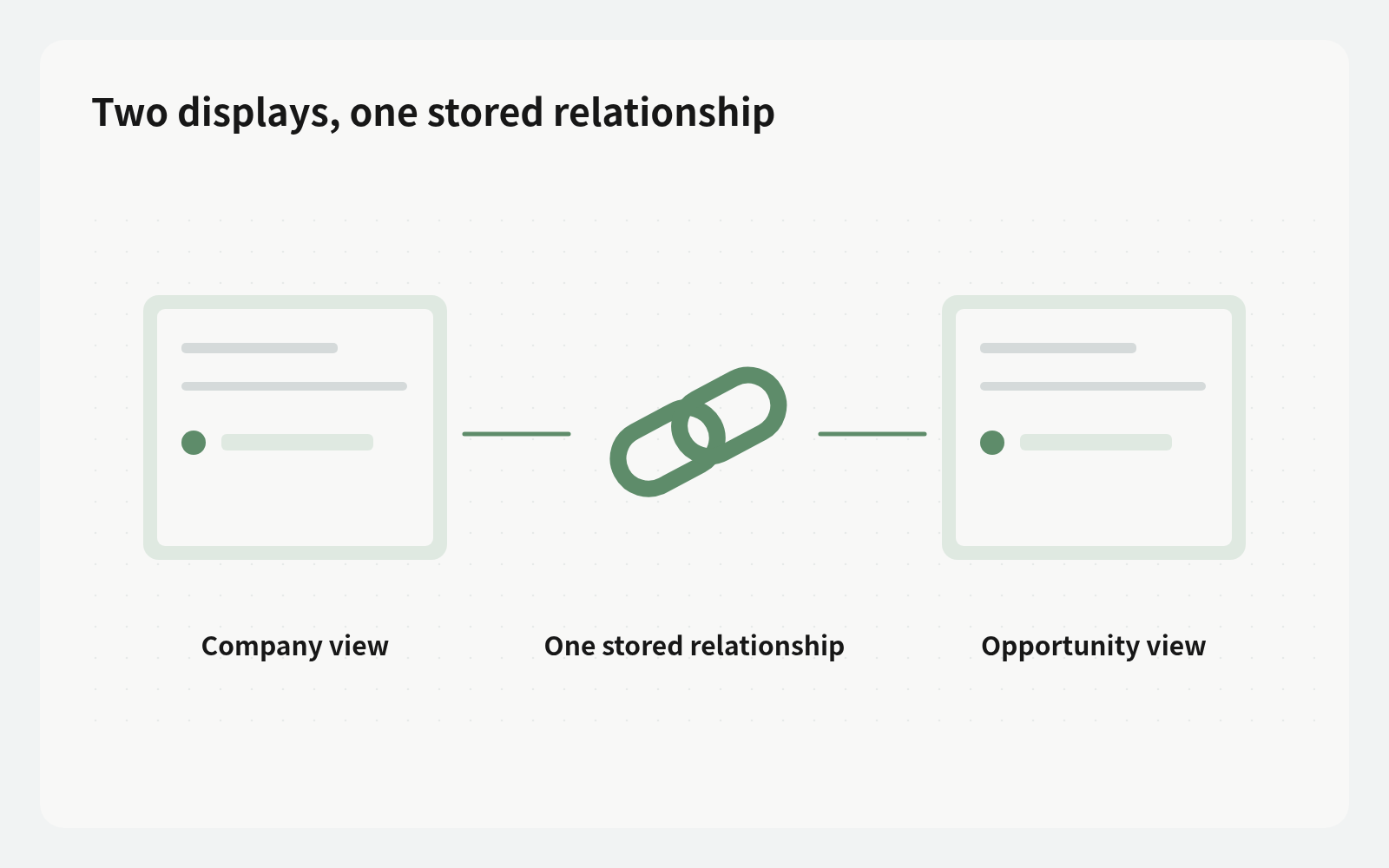
Busabase stores the link once and displays it on both sides. Editing the reverse column changes the forward field on linked records. With a single-value Company field, adding an opportunity elsewhere moves it away from its previous company.
Two displays, one stored relationship
An Opportunities Base can contain a Company relation pointing to Companies. In relation settings, enable “Also show this link in {Base}” to display the opportunities on each company. These are two views of one relationship, not independent lists.
Field Types explains that adding from the company side sets the opportunity’s Company, removing clears it, and a single-value relation moves from the old company. Archived opportunities disappear and return when restored. A shorter list therefore needs investigation before assuming links were deleted.
Identify the actual write target
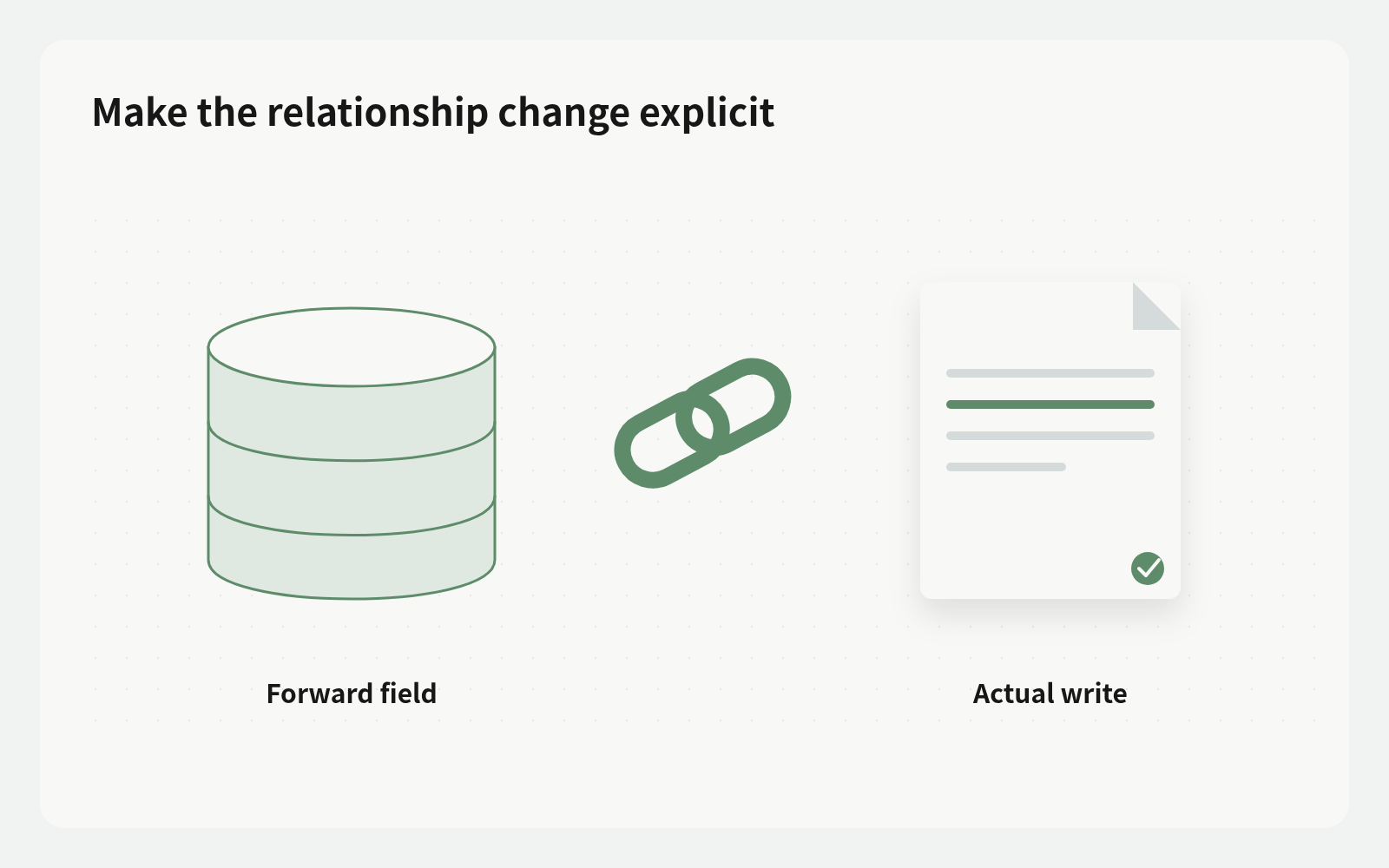
Inspect the target Base, forward field, and single- or multiple-value setting. API and CLI users can inspect options.reverseOfFieldId on the reverse field: it identifies the forward field on the target Base that stores the relationship and points back.
Record where the edit starts, which linked records change, and which previous links disappear. “Update the company” is not enough to describe a change implemented on opportunities. For multiple-value relations, distinguish adding, removing, and replacing the entire list, preserving unrelated relationships.
Make the relationship change explicit
Reuse the business Bases. A Doc can hold the relation rules: stored field, cardinality, ownership decisions, and archive handling. Put the verified repeatable method in a Skill when useful; this does not create an automatic CRM policy.
An instruction can be: “Read this company’s reverse relation and the linked opportunities’ Company fields. List additions, removals, and opportunities moving from another company. Show the affected records and fields, then propose only the confirmed scope.” Actual writes follow credential permissions and ChangeRequest review settings; conversational approval alone does not alter access.
Account for permissions and creation limits
Editing the reverse column requires permission to change the other Base. If that Base cannot be opened, the column is read-only. Access to a company does not by itself establish access to opportunities. Retain the findings and involve the appropriate owner when access is missing.
A new record cannot fill the reverse column in its create form: save first, then edit. The column currently cannot filter, sort, or group. Relations without a reverse column may appear under Linked from. Plan the steps around these limits rather than promising a single create-and-populate operation.
Read both sides after merge
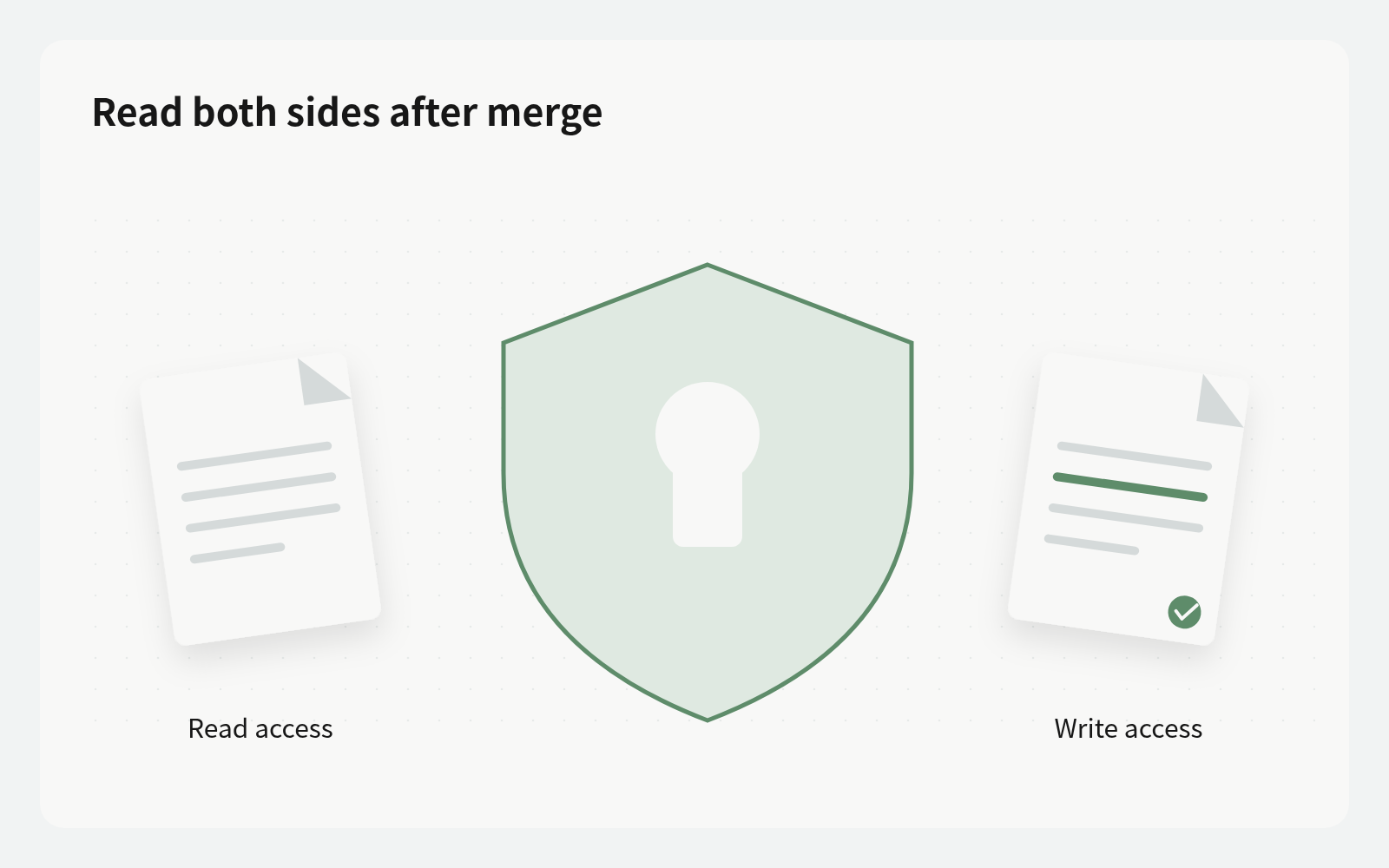
Read the affected opportunities’ forward fields, then the reverse displays on both old and new companies. Verify additions, intended moves, and preserved relationships. If a record disappeared, investigate archival state and visibility before adding it again.
Keep the reason, actual affected records, review decision, and readback result with the change or a business tracking record. This check does not imply a cross-Base global transaction or automatic rollback. Correct an erroneous relation against current state instead of overwriting later valid changes with an old list.
Common relation-review questions
Is removing a reverse-list item just hiding it? No; editing that relationship clears the corresponding forward link. Does adding a single-value opportunity copy it? It moves from the previous company. The business ownership policy decides whether that move is appropriate.
Why can an agent see but not edit? Check both Base permissions and the actual write target. Confirm the field structure in Bases, then complete one authorized proposal and readback before widening the scope.