Before installing a knowledge-base template, check what becomes live
Separate structural changes, content review and sample records before accepting a package.

A knowledge-base package can contain schema, business records, Skill instructions and AirApp code. When those objects become canonical affects what an Agent reads and executes next.
Choosing a package therefore includes choosing how its contents are accepted. Created structure, immediately merged content and content awaiting review are distinct outcomes. Decide the acceptance route before installation, rather than after the directory appears.
Structure and content follow different paths
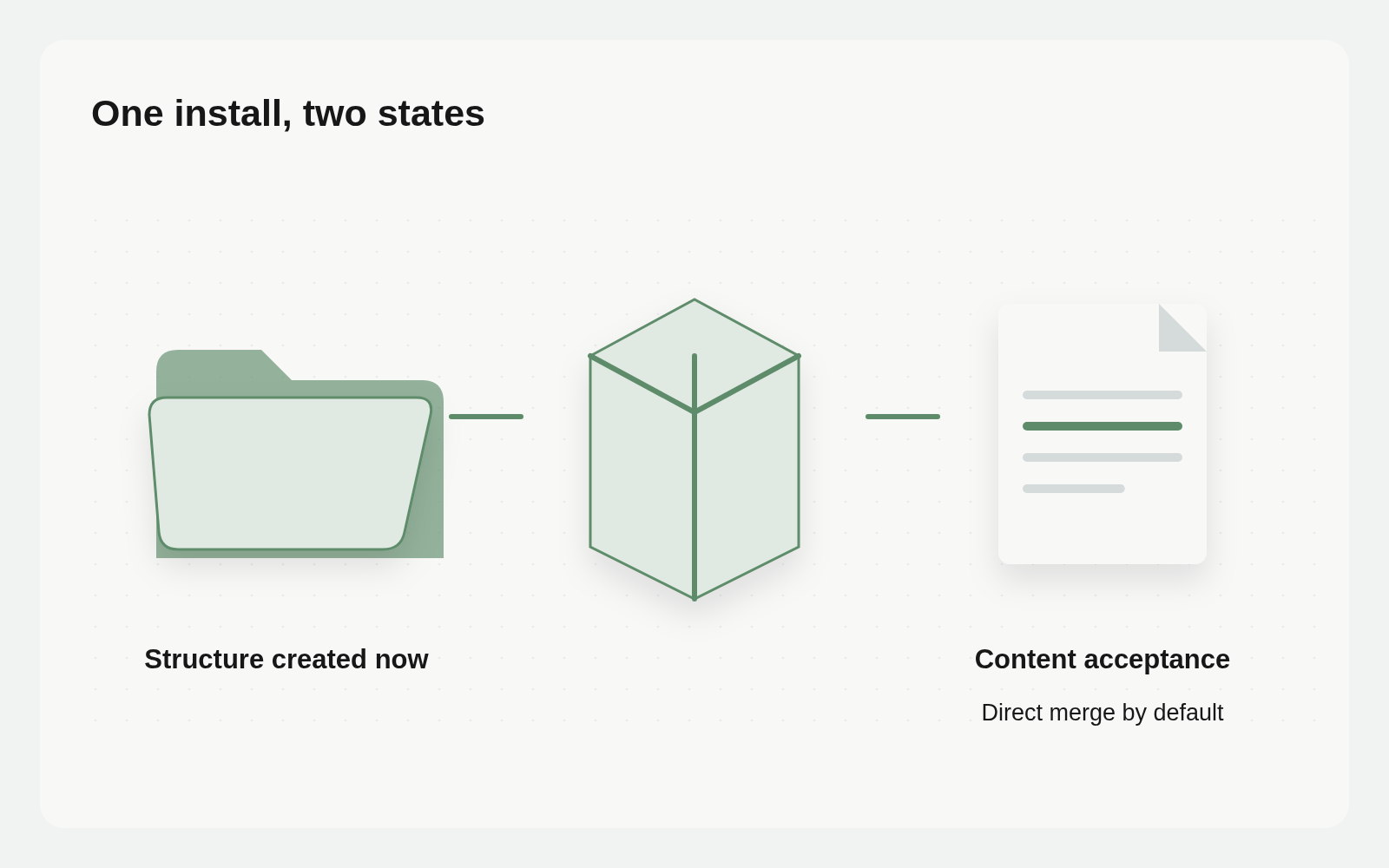
A Busabase package describes resources through busabase.json and a content/ tree in a Git repository. The installation documentation distinguishes immediate structural creation from content handling. Folders, Bases, fields and views are created immediately. Records, Docs, Skills and AirApps merge directly by default when the credential can write.
To inspect content first, select Send the content for review first in the dashboard or pass --require-review in the CLI. Content then remains in ChangeRequests. Structure is still created immediately. A changed resource tree and a nonempty review queue can therefore be the correct result of one installation.
Check those results separately. The presence of a new Base does not establish that its records have been accepted. Conversely, an installation without a review choice should not be treated as a harmless staging area.
Read the resolved source and the creation plan
The dashboard’s Install from GitHub… flow shows a server-generated preview before installation. It includes package identity, the resolved repository and ref, the resource tree, counts, naming collisions and warnings. Changing the destination folder changes the collision context, so review the refreshed plan.
Record the repository and resolved ref. A default branch gives you its contents at retrieval time; use a specific commit SHA when you need an exact source to revisit. Read the actual Skill or app files if the package contains instructions or executable code. A familiar package name does not replace that inspection.
Then resolve collisions deliberately. Base slugs are unique within a space; node slugs are unique within a folder. Renaming installs suffixed resources and rewrites relations toward the renamed Bases. It does not automatically upgrade your existing business records. Decide whether a separate installation is what the team wants.
Review has two important exceptions
A plain package containing populated relations between records requires those records to merge during installation: the relation endpoints need real record IDs. Such a package cannot use --require-review; the dashboard explains that direct installation is required instead of offering the checkbox. An empty relation field definition alone does not trigger this restriction.
If direct acceptance is unsuitable, stop and reconsider the package scope or ask its provider for content that can be inspected separately. Removing the review requirement just to complete the flow is still a trust decision.
Template sample records are a separate check. They merge by default. To propose those sample rows for review from the CLI, combine the content review setting with --no-sample-records. Do not assume one review flag covers both the application content and all samples.
Keep one small installation checklist
Reuse an existing task Base or a Doc for a single installation. Capture the source repository and ref; destination folder and resource scope; instructions or code to inspect; collisions and chosen naming; content review choice; sample handling; and warnings. Keep links to the relevant files so a reviewer can examine the same material.
A connected Agent can help prepare the decision:
Read this installation preview and the package files. Produce a checklist covering the source, resource scope, instructions or code, collisions, review choices and warnings. Link each concern to its file. Analyze only: do not install, modify the space or approve any proposal.
The checklist supports a decision; it does not grant permission. Dashboard preview and installation require workspace write permission. CLI installation likewise requires write permission for the resources being installed.
Choose acceptance together with credential permissions
If content needs review first, select that route during installation and inspect the credential’s actual permissions. Created structure and merged content are separate results. Know which records and instructions already constitute canonical inputs for Agents.
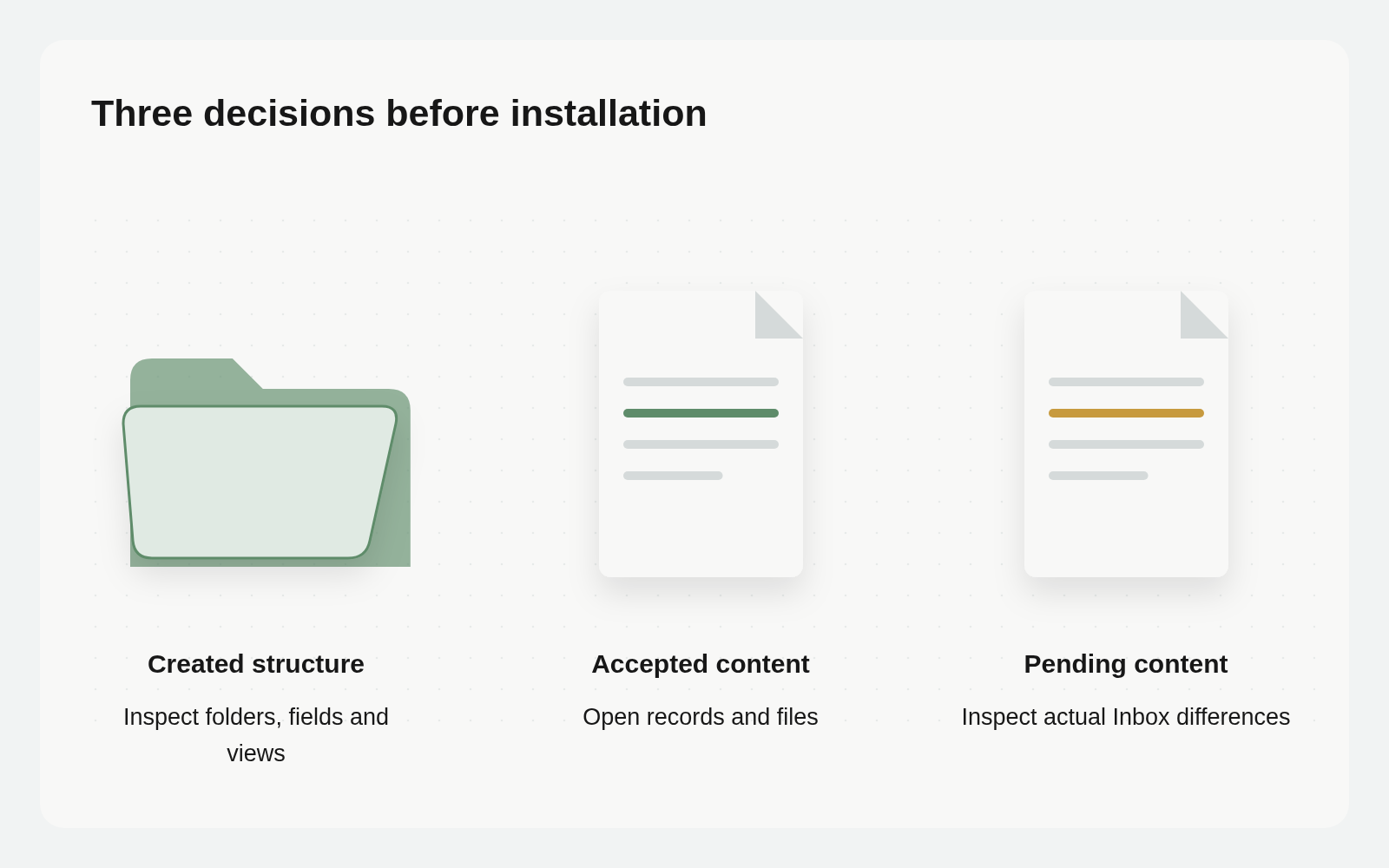
After installation, read structure and content independently. Inspect actual body, relations and provenance for merged objects; inspect proposal differences in Inbox for pending content. Check documented sample and relation exceptions rather than applying one install-success message to every object.
Verify structure, then acceptance
After installation, compare the created folder, Bases, fields and views with the preview. Check the actual naming and collision handling. Then inspect the content outcome. If content merged directly, open the records and files. If it was sent for review, open the associated ChangeRequests and inspect their differences before accepting them. A pending count is a reason to visit the Inbox, not a signal to start relying on that content.
Read warnings too. Packages omit permissions, change history, Vault secrets and webhook rules, and do not carry attachment field values. File upload behavior also depends on the host’s storage capabilities. If the purpose is to recover a whole space with its history and files, use the backup and restore workflow.
Retaining the source, scope, acceptance choice and observed result makes an installation understandable to the next person. They can see what was created, what was accepted and what still requires judgment.